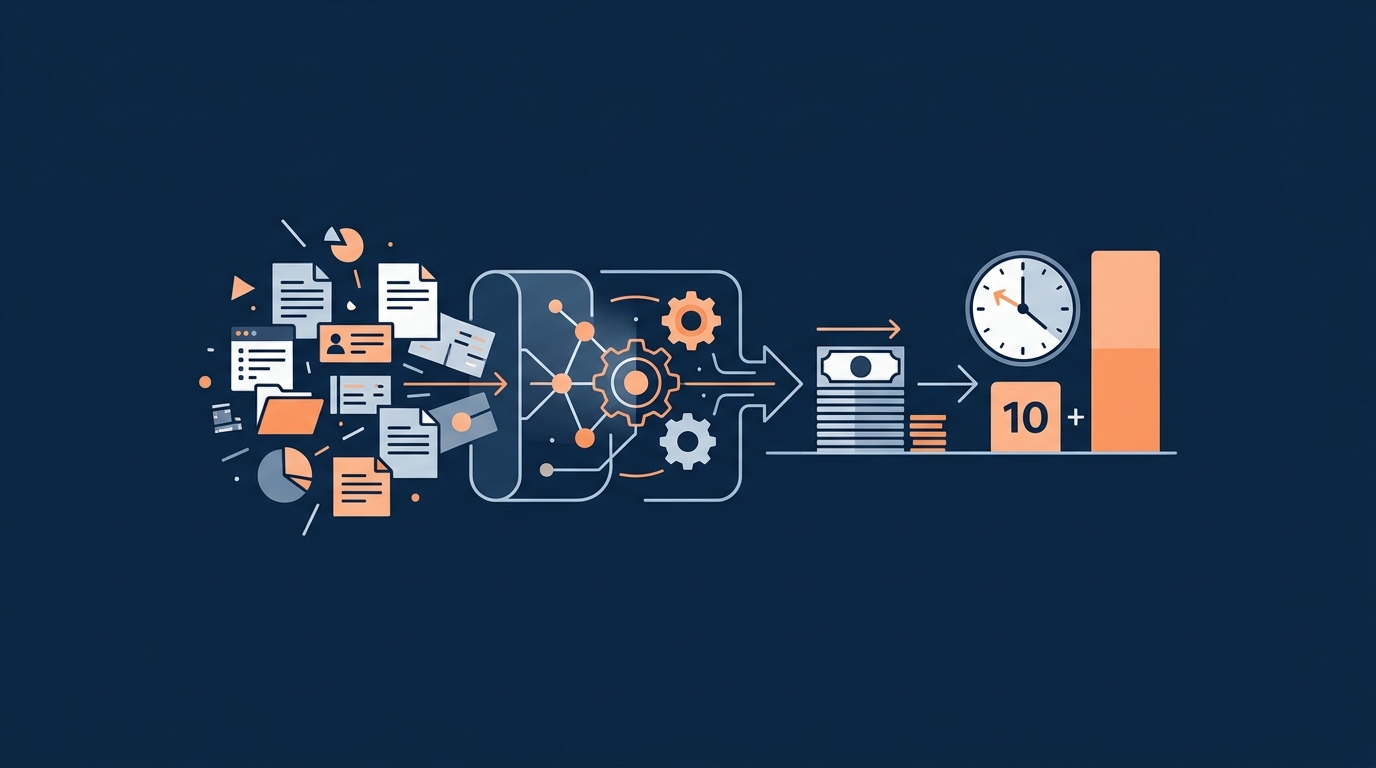
Watch: 30-Second Article Recap
AI Workflow Automation Playbook: Cut Costs 30% and Reclaim 10 Hours a Week
The Real Cost of Doing It Manually
Let's do some uncomfortable math. If you or someone on your team spends 10 hours a week on repetitive admin work, and that person's time is worth $30 an hour, you're burning through $15,600 a year doing things a properly configured automation could handle in seconds. That's not a rounding error. That's a salary.
For most Central Florida small and mid-sized businesses, this isn't a hypothetical. It's Tuesday. It's the office manager re-entering data from a web form into QuickBooks. It's the owner sending invoice reminders at 9 PM. It's the front desk calling patients to confirm appointments that could be confirmed automatically. Nobody planned for the business to run this way. It just got heavy, and then it stayed heavy.
AI workflow automation fixes this. Not someday. Now. The tools are affordable, they don't require a developer, and they work with software you probably already use.
Start by Mapping Where Time Is Actually Going
Before touching a single tool, sit down and list the ten most repetitive tasks in your business. Write down how often each one happens and roughly how long it takes. Be honest. Most business owners underestimate this by at least 30 percent because the pain is so normalized they stop noticing it.
Focus first on invoicing, customer follow-ups, scheduling, data entry, and reporting. These are almost always the biggest time sinks, and they're also the easiest to automate well. Once you have the list, multiply the hours by the cost of whoever is doing the work. That number is what you're paying to keep doing things manually.
Pick One or Two Workflows and Start There
This is where most businesses go wrong. They try to automate everything at once, something breaks, trust collapses, and the whole initiative dies. Don't do that.
Pick one or two workflows as pilots. A new lead follow-up sequence is a great first choice. A home services company in Orlando, for example, might be losing jobs simply because web leads don't get a response for hours. Automate it so that the moment a form is submitted, the lead gets a text in under two minutes, a contact is created in the CRM, and a follow-up task is assigned to the right person. That's it. One workflow. Measurable results within weeks.
An invoice reminder sequence is another solid starting point. When an invoice goes out and hasn't been paid, the system sends a polite nudge at seven days, a firmer one at fourteen, and a clear message at thirty. No one has to remember. No one has to feel awkward about it. It just runs.
Clean Up Your Data Before You Add AI to It
Automation doesn't fix a mess, it scales it. If your customer records are scattered across three spreadsheets, an old CRM, and someone's personal inbox, that's the first thing to fix. Consolidate into one system. Remove duplicates. Make sure your tools are actually connected so information flows between them without someone copy-pasting it by hand.
This sounds like housekeeping, but it's foundational. The automations you build are only as good as the data they run on.
The Right Tools Don't Require a PhD to Use
Florida SMBs don't need enterprise software with six-figure implementation fees. There are no-code automation platforms that connect your CRM, QuickBooks, Google or Outlook calendar, and SMS tools without a single line of code. They include built-in AI for routing, drafting responses, extracting data from forms, and generating reports.
What you're looking for: fast setup, clear integrations with tools you already use, a metrics dashboard so you can actually measure what's working, and support that doesn't make you file a ticket and wait three days. The technology is ready. The only question is whether you're configured to use it.
What Good Automation Actually Looks Like
A Lakeland medical or dental practice running automated appointment reminders via SMS and email sees measurable drops in no-shows, sometimes 30 to 40 percent, without the front desk spending an hour a day on confirmation calls. A marketing agency in Tampa that connects project management, time tracking, and billing into one automated flow saves 10 or more hours a week across the team. A restaurant group using AI to flag low inventory based on past sales stops over-ordering and stops running out of product mid-week.
These aren't case studies from Fortune 500 companies. They're the kind of businesses that exist all over Central Florida, and most of them are still running these processes by hand.
Measure It or It Doesn't Count
Once your automations are live, track hours saved, error rates, response times, and customer satisfaction. If a workflow isn't producing measurable improvement within 60 days, adjust it. Automation isn't set-and-forget. It's a system, and systems need maintenance and refinement. The businesses that get the most out of AI automation are the ones that treat it as an ongoing practice, not a one-time project.
The goal is simple. Less manual work. Lower costs. Faster response times. More capacity to grow without adding headcount.
Central Florida businesses are competing with national players that have dedicated ops teams and serious infrastructure. The difference is shrinking fast, because the tools that used to cost millions are now accessible to any SMB willing to put in the work to configure them properly.
If you want to know exactly where your business is losing the most time and what to automate first, start with a free assessment at https://priscgroup.com/request-assessment. No pitch, no fluff. Just an honest look at where the opportunities are.
Free, about two minutes How much of your busywork could actually be automated? Answer eight quick questions and get a personalized PDF: your automation score, your top three opportunities, and what they are worth in hours and dollars. No sales call required. Get your AI Score