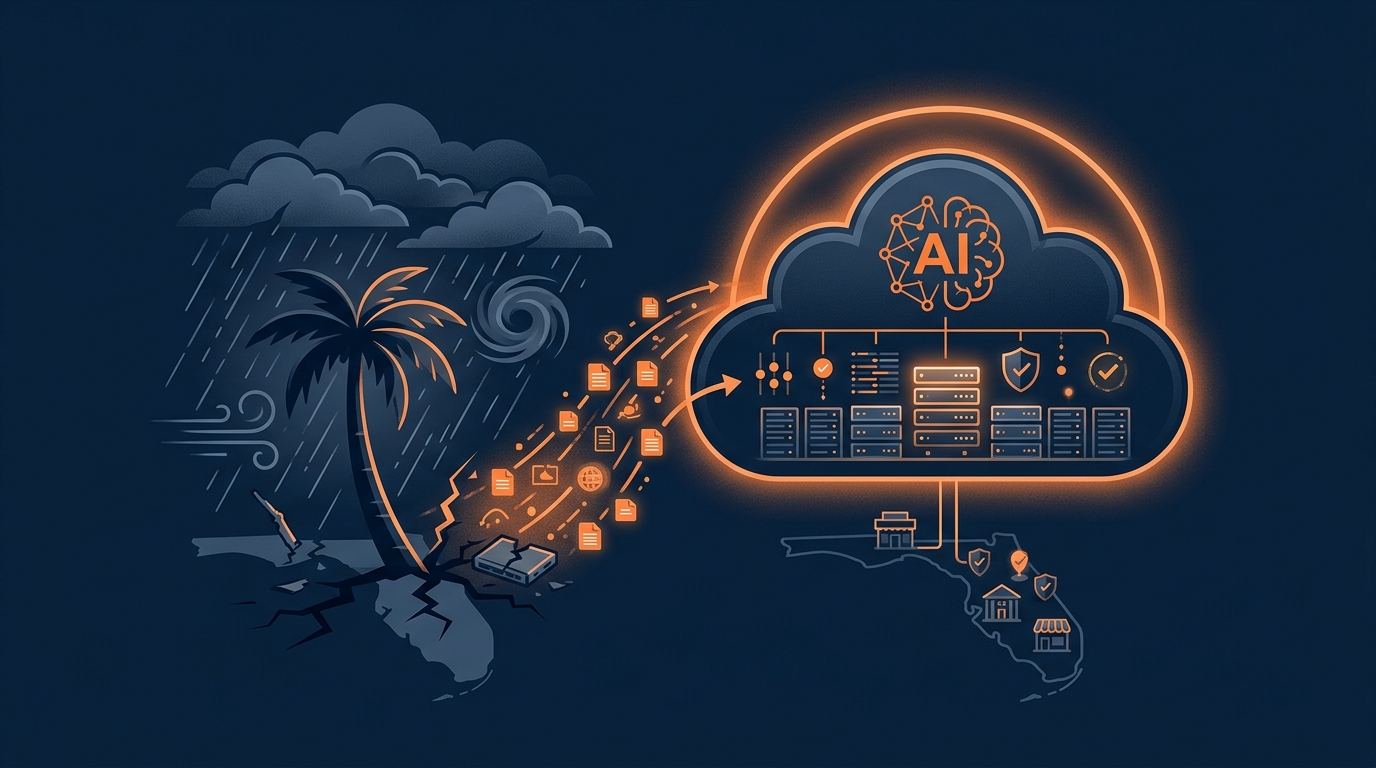
How Central Florida SMBs Can Use AI-Enhanced Cloud Backups to Survive Ransomware, Hardware Failures, and Hurricane Season
Central Florida small businesses are getting hammered from three directions at once. Ransomware gangs have figured out that Orlando, Tampa, and Winter Haven companies make perfect targets because they have valuable data but limited security resources. Meanwhile, those aging servers in the back office are one power surge away from becoming very expensive paperweights. And then there's hurricane season, which seems to get more disruptive every year.
The old approach to backups, the "set it and forget it" mentality, doesn't work anymore. When something goes wrong, too many business owners discover their backups are corrupted, incomplete, or sitting in the same building that just got flooded. That's not a backup strategy, that's wishful thinking.
Why Traditional Backups Fail When You Need Them Most
Here's what actually happens when disaster strikes. Ransomware attackers don't just encrypt your files and demand payment anymore. They spend weeks studying your network, finding where your backups live, and corrupting those first. When they finally hit the big red button, you discover your "backup" is just another encrypted mess.
Hardware failures are even simpler to understand. That server you bought in 2018 wasn't built to run forever. When it dies on a Tuesday afternoon during your busy season, good luck getting replacement parts or finding someone who remembers how it was configured.
Hurricane season adds another layer of complexity. Your data might be perfectly safe on that local server, but if you can't get to your office for a week because of flooding or power outages, it might as well be on the moon.
How AI Changes the Cloud Backup Game
Cloud backups solve the location problem by storing copies of your data in professional data centers far from Florida's storm zones. But AI takes this several steps further by making backups smarter and recovery faster.
AI-driven systems monitor your backup jobs continuously, looking for patterns that suggest trouble. Instead of discovering a ransomware attack when your employees can't open files Monday morning, these systems flag suspicious activity early. Sudden mass file changes, unusual deletion patterns, or weird access from unexpected locations trigger alerts before the damage spreads.
Immutable backups add another layer of protection that even sophisticated attackers struggle to bypass. Once a backup is written to immutable storage, it can't be changed, deleted, or encrypted for a set period. Even if ransomware gets administrator credentials to your entire network, those locked backup copies remain untouchable.
Recovery is where AI really shines. Traditional disaster recovery involves too much guesswork and manual decision-making. Which systems do you restore first? From which backup version? To what location? AI-assisted orchestration handles these decisions automatically, prioritizing critical systems like point-of-sale, accounting, and email while spinning up replacement infrastructure in the cloud.
Real Scenarios That Hit Close to Home
Consider a Polk County manufacturing company that loses its main server during peak production season. Instead of scrambling to find replacement hardware and restore everything manually, AI-backed systems automatically bring up virtual machines in the cloud from the latest clean backup. Production teams keep working through remote access while IT handles hardware replacement at a reasonable pace instead of in crisis mode.
Or think about a Tampa professional services firm during hurricane season. Their office loses power and becomes inaccessible for several days after a storm. Because their systems are replicated to cloud infrastructure outside the affected area, the team continues serving clients remotely while the physical office remains dark.
These aren't hypothetical scenarios. They're happening to Florida SMBs right now, and the companies that weather them best are the ones that stopped treating backups as an IT afterthought.
What This Means for Your Business
AI-enhanced cloud backups represent a shift from reactive damage control to proactive resilience. Instead of hoping your backups work when disaster strikes, you get continuous monitoring, automated threat detection, and orchestrated recovery that reduces downtime from days to hours.
For Central Florida businesses operating in a region where both cyber threats and natural disasters are increasing, this technology has moved from "nice to have" to "essential for survival." The companies that recognize this reality and act on it will have a significant competitive advantage over those still crossing their fingers and hoping for the best.
The question isn't whether you'll face a ransomware attack, hardware failure, or hurricane season disruption. The question is whether your backup strategy will actually work when you need it most.
Ready to find out where your current backup strategy stands? Get a comprehensive assessment of your data protection and recovery capabilities at https://priscgroup.com/request-assessment.
Free, about two minutes How much of your busywork could actually be automated? Answer eight quick questions and get a personalized PDF: your automation score, your top three opportunities, and what they are worth in hours and dollars. No sales call required. Get your AI Score