The Real Math Behind Your Backlog
Microsoft's 2025 Work Trend Index found the average worker gets 117 emails and 153 Teams messages a day, with interruptions roughly every two minutes. If you run a small business, you don't have the luxury of a dedicated inbox manager. You or a small team are reading, sorting, forwarding, and hunting for order numbers between everything else you're supposed to be doing. That's not a staffing problem. That's a design problem, and it compounds every single day you don't fix it. The backlog isn't really about volume. It's about context switching. Every time someone stops to figure out what a message means, who should handle it, and what information it needs, they lose momentum on whatever they were actually working on. Do that fifty times a day and you've lost hours you'll never get back.
Triage Is Not Replying, It's Sorting
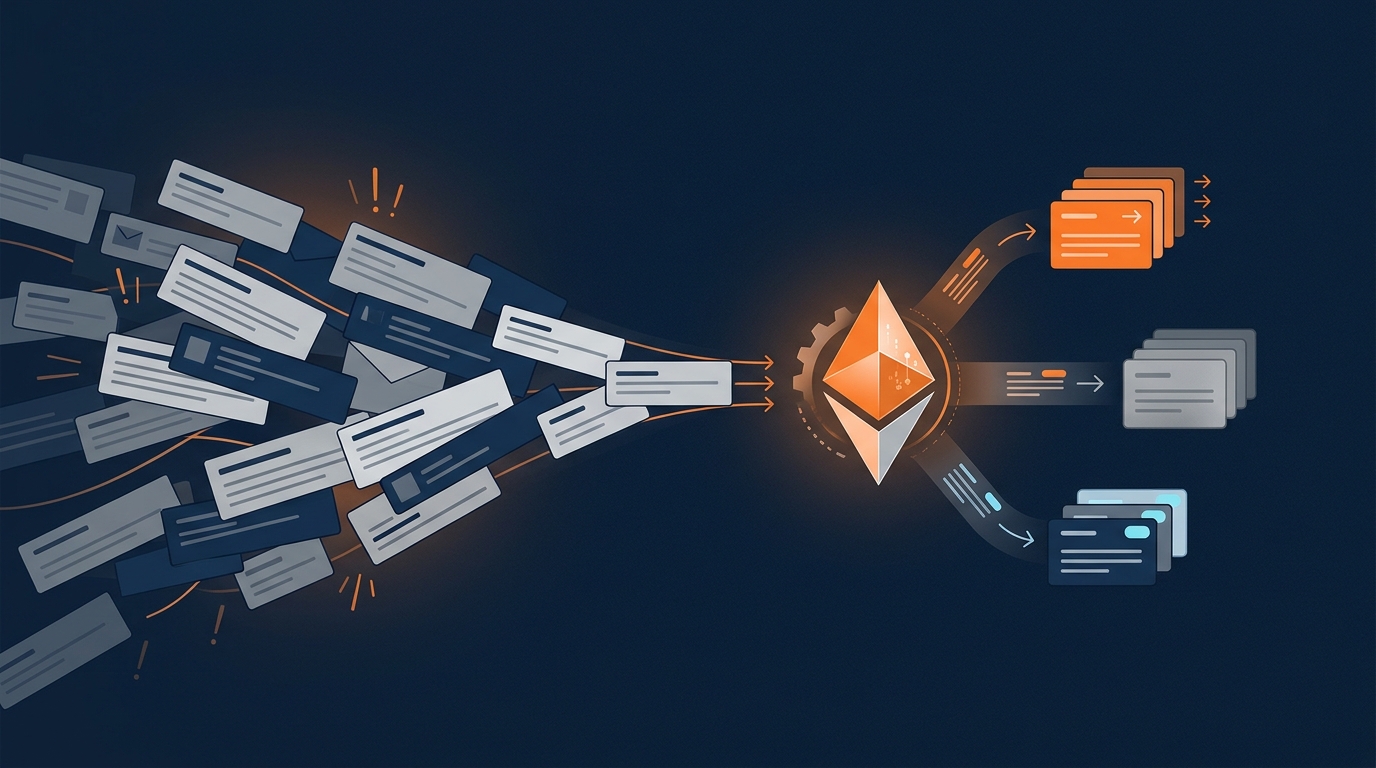
The first job an AI agent should do in your inbox isn't writing responses. It's sorting. A good agent reads incoming messages and classifies them into a small number of operational categories, think sales, support, billing, scheduling, shipping, internal requests, and spam. Start with four to eight categories. Resist the urge to build an elaborate taxonomy before you've proven the basic version works. Alongside classification, the agent assigns urgency, reads sentiment, and pulls out the details that matter: order numbers, invoice IDs, deadlines, account names. This is where most of the actual time savings come from. One analysis of 213 million AI email actions found that only 2.5% involved sending a message. The rest was reading, searching, and organizing. The value isn't in the reply. It's in finally knowing what's in front of you without having to read everything yourself.
Routing Is Where the Time Actually Gets Saved
Once a message is categorized, it needs to go somewhere useful. A shipping question should land with operations, order number attached. A new lead should get added to the CRM and assigned to sales automatically. An invoice dispute should route to accounting. An appointment request should trigger your scheduling workflow without anyone copying and pasting into a calendar tool. This is the part that actually kills the backlog, because most delay in a small business doesn't come from lack of effort, it comes from unclear ownership. Messages sit because nobody's sure whose job it is. An agent that routes correctly the first time removes that ambiguity entirely, and removes the forwarding chains and duplicate replies that come with it. The more advanced systems go further and actually touch your business tools. Before drafting anything, an agent can look up an order status, check your return policy, confirm appointment availability, or pull up a customer's last conversation. That turns it from a glorified autoresponder into something that does real work in sequence, the same way a capable employee would.
Why Draft First Beats Auto-Send Everything
You don't need to hand an AI agent full authority over your inbox on day one, and you shouldn't. Start with draft first. The agent prepares the response, a human approves it before it goes out. This matters most for refunds, complaints, cancellations, legal questions, privacy requests, and anything involving a major account. Those situations need a human judgment call, full stop. Once a category proves itself, you can graduate it to auto-send. Order tracking, business hours, appointment confirmations, and documented FAQs are good candidates. A solid rule of thumb: don't automate a category until roughly 90% of its drafts are being sent unchanged, and keep checking quality regularly after that. This is controlled autonomy, not blind automation. You set the permissions, the confidence thresholds, and the escalation rules. The agent operates inside them.
What a Smart Pilot Looks Like
You don't need to overhaul everything at once. Pick one shared inbox and three workflows, support triage, sales-lead routing, and billing classification is a reasonable starting point. Track response time, backlog size, routing accuracy, and how many messages still need a human to step in. Hours saved matters, but so does whether your first response quality actually holds up. The goal was never an empty inbox. It's a process where your team spends their time on judgment calls, customer relationships, and closing business, instead of sorting mail. Email backlog isn't a sign you're busy. It's a sign your inbox is running your day instead of the other way around. Fixing that isn't about replacing people, it's about giving them back the hours that repetitive admin work has been quietly taking from them.
Free, about two minutes
How much of your busywork could actually be automated?
Answer eight quick questions and get a personalized PDF: your automation score, your top three opportunities, and what they are worth in hours and dollars. No sales call required.
Get your AI Score