The problem with migrating one application at a time
Most migration plans get built around what's visible. You list the servers, you list the applications, you make a spreadsheet, and you start moving things in order of department or convenience. It feels organized. It isn't. The applications you can see are rarely the problem. The problem is what's quietly connected to them. A scheduling app might depend on a database that also feeds a reporting tool nobody uses anymore but still runs every night. A customer portal might authenticate through a service that's been sitting on a server someone forgot to decommission three years ago. Move the visible piece without the hidden piece, and you get downtime, broken transactions, or a 2 a.m. call explaining why payroll didn't run. This is the core risk of any migration, and it gets worse the smaller your IT team is.
Why this hits small and mid-sized businesses harder
Large enterprises have dedicated architecture teams and documentation that's at least somewhat current. Most small and mid-sized businesses don't. Knowledge lives in a few people's heads, documentation is outdated the moment it's written, and asset inventories have gaps nobody's gotten around to filling. That works fine until you try to move everything at once. Then every undocumented connection becomes a landmine, and every landmine you miss turns into an outage you can't afford. Smaller businesses have less room to absorb extended downtime, consultant overruns, or months of paying for cloud and on-premises systems at the same time.
What AI dependency mapping actually does
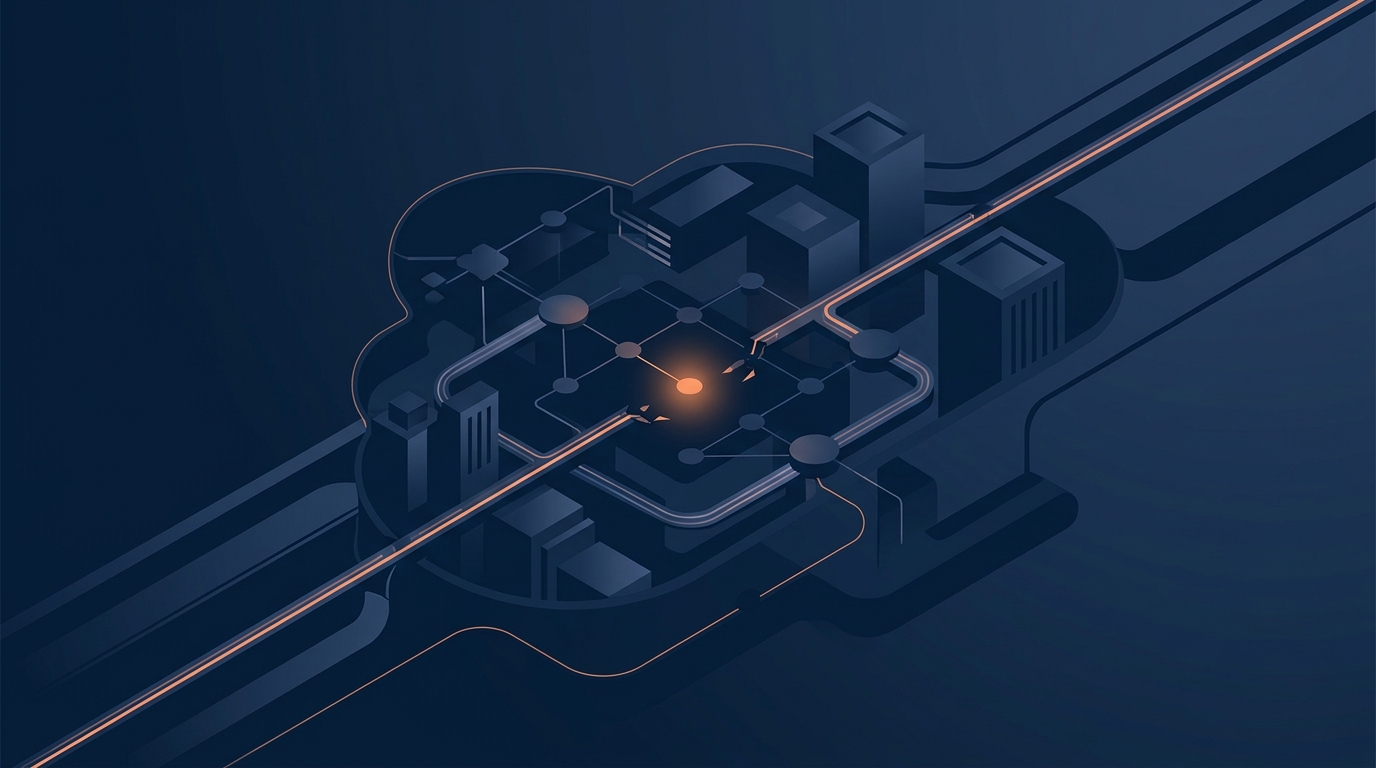
Instead of relying on spreadsheets and interviews, AI tools continuously analyze infrastructure telemetry, network traffic, configuration data, logs, and cloud accounts. They build a living map of how your systems actually talk to each other, not how someone remembers them talking to each other five years ago. This means the AI can trace upstream and downstream relationships, flag assets that look orphaned but aren't, and point out single points of failure before they become single points of disaster. It can also tell the difference between a dependency that matters and one that's just noise, which saves you from drowning in false alarms.
The dependencies that hide in plain sight
The dangerous ones are rarely dramatic. They're hard-coded IP addresses buried in old code. Undocumented DNS records. Service accounts nobody remembers creating. Batch jobs that only run overnight or during month-end close. Licensing servers, payment gateways, identity providers, and backup systems that connect to production in ways that never made it into any diagram. AI is good at catching exactly this kind of thing because it watches behavior over time instead of relying on a snapshot. If a dependency only shows up during a specific overnight window or a monthly financial cycle, a human doing a week of interviews will likely miss it. A system watching traffic patterns won't.
Smarter sequencing, not just faster moving
Once the dependencies are mapped, the real value shows up in sequencing. Instead of migrating by department or location, AI groups tightly coupled systems and recommends an order based on technical relationships, business criticality, and how much downtime each piece can tolerate. That's the difference between moving an application before the authentication service it needs versus moving them together, deliberately, in the right order. This approach has already proven itself at scale. One migration used AI to map dependencies across 107 virtual servers, organize the work into 14 migration waves, cut cloud costs by 15 percent, and finish 20 percent faster. Another case reduced application discovery time from up to two hours per application down to about five minutes. A separate project automated roughly 60 percent of the migration work and still came in 34 percent faster with 35 percent five-year savings. None of that requires enterprise scale. Smaller environments with a few hundred servers and workstations have used the same approach to migrate with zero rollbacks.
AI finds the risk, people still make the call
None of this replaces human judgment. AI can misread temporary traffic as a permanent dependency, miss something buried in proprietary software, or suggest grouping systems that a business owner has good reasons to keep separate. High-risk findings still need a human to check them against reality, which means looping in application owners, vendors, security staff, and whoever handles the money.
Where to start before 2026
Don't try to map your entire environment on day one. Start with the applications that would hurt the most if they broke. Build a baseline inventory, collect a few weeks of real telemetry, map the dependencies, rank applications by business impact, and test the proposed migration waves somewhere that isn't production. Identity systems, backups, security controls, and recovery procedures go first on the priority list, not last. The businesses that get through 2026 migrations cleanly won't be the ones with the biggest budgets. They'll be the ones who actually knew what was connected to what before they started moving it.
Free, about two minutes
How much of your busywork could actually be automated?
Answer eight quick questions and get a personalized PDF: your automation score, your top three opportunities, and what they are worth in hours and dollars. No sales call required.
Get your AI Score